Obtain the Froxy Proxy Credentials:
1. Register an account on Froxy.
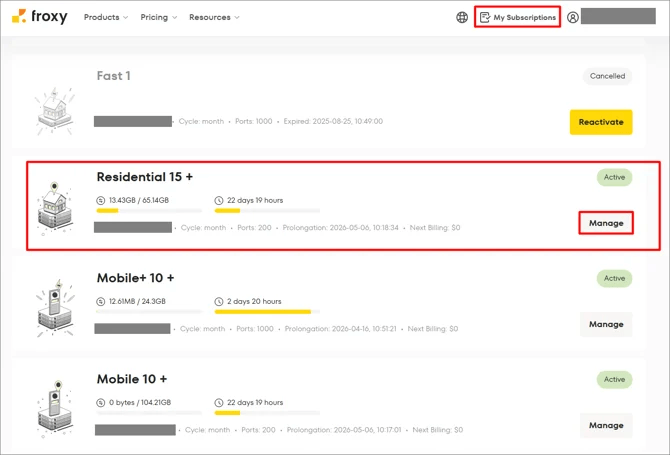
2. Go to your proxy control panel, click My Subscriptions, and select the proxy type you want to use.
3. Click Manage.
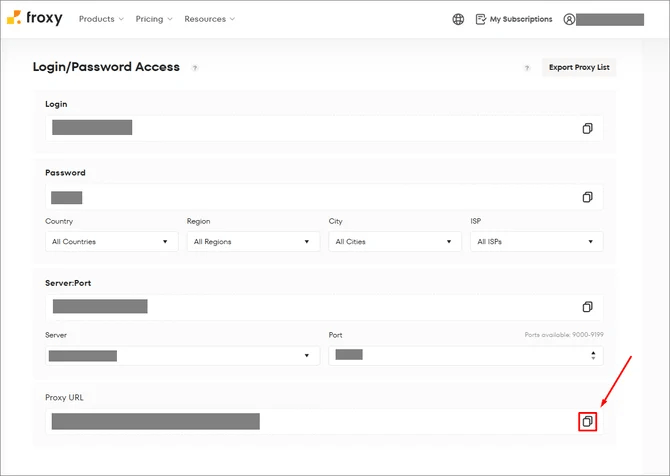
4. Copy the Proxy URL, which contains all the necessary proxy information, from the settings of the desired Froxy subscription:
Password
Host/IP address
Port
Username
VMLogin Browser Settings:
1. Download the latest version from VMLogin Official Website. (Support Free Trial)
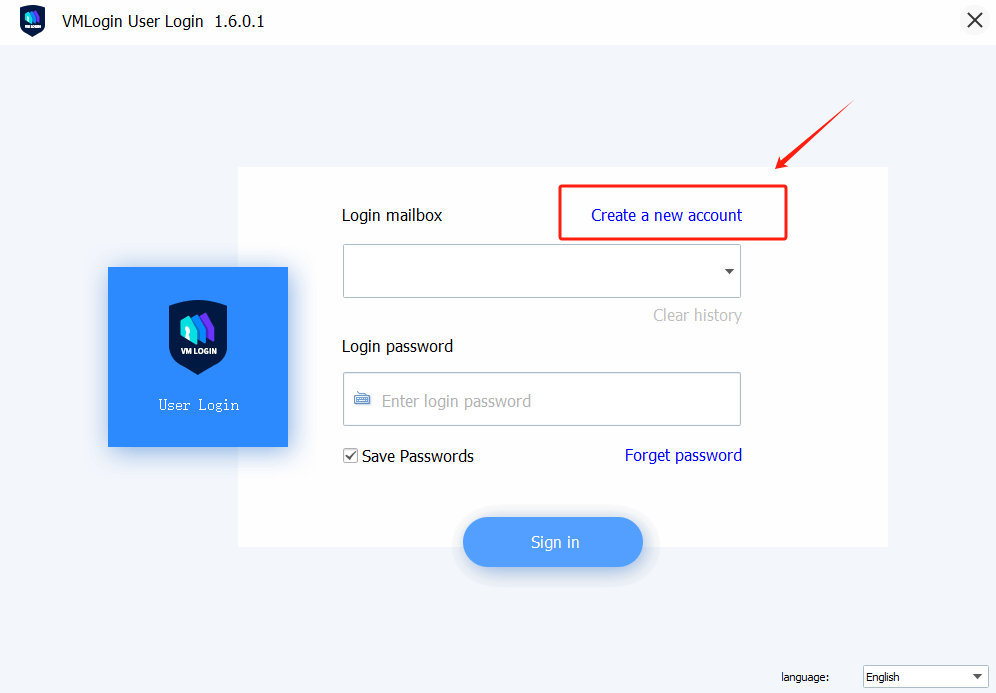
2. Click "Create a new account" in the VMLogin client.
3. Within the VMLogin client, click "New browser profile" -> Basic configuration -> Enter a display name -> Click the "Setting proxy server" -> Enable proxy server.
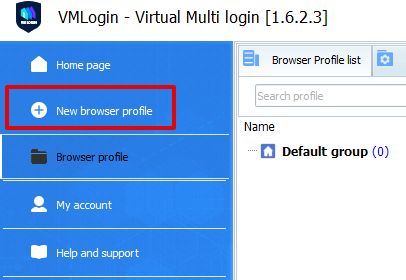
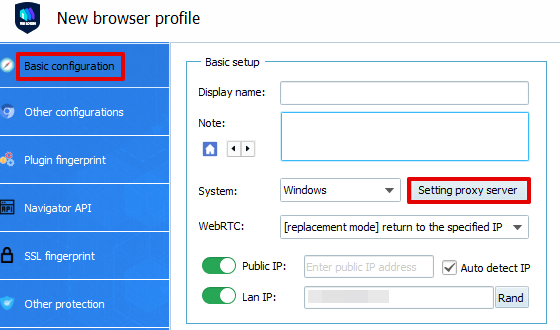
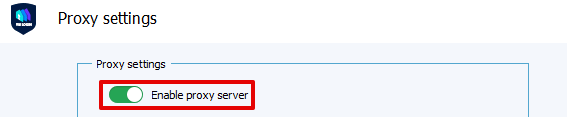
4. Fill in the Proxy-seller Credentials (Proxy type, IP address, Port, Username, Password) -> Test Proxy.
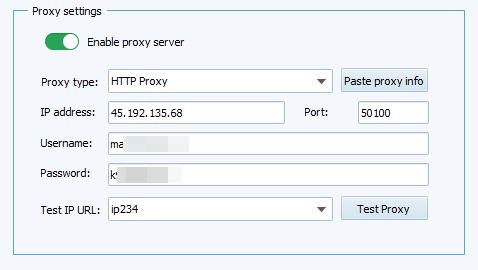
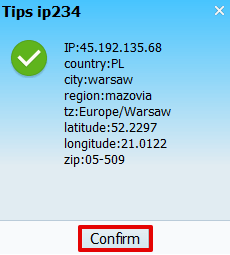
5. Click the "Save" -> Save profile -> Launch the browser profile.
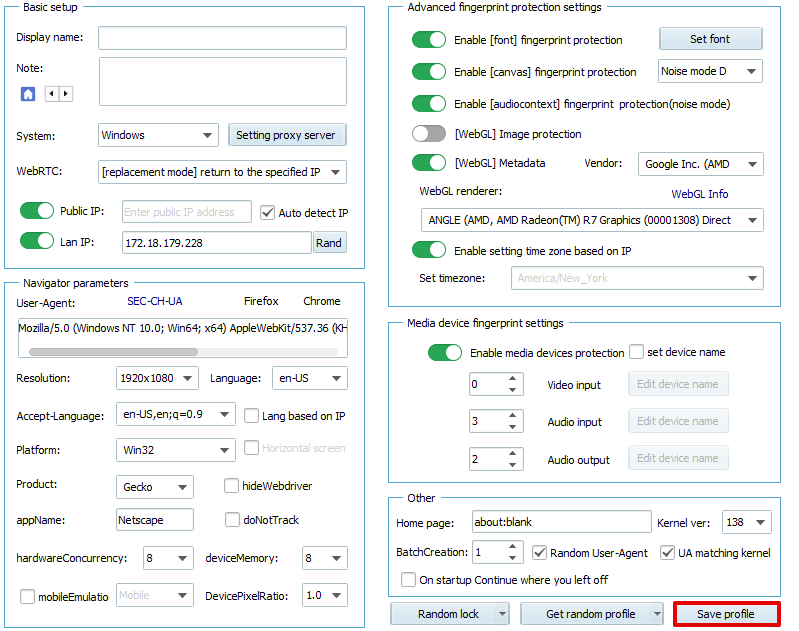
Note: VMLogin browser has no proxy IP service, users need to purchase proxy IP from a third party. Proxy-related tutorials are provided by third-party platforms and unrelated to the VMLogin. Users are strictly prohibited from using VMLogin to engage in any illegal and criminal activities, and users are respon